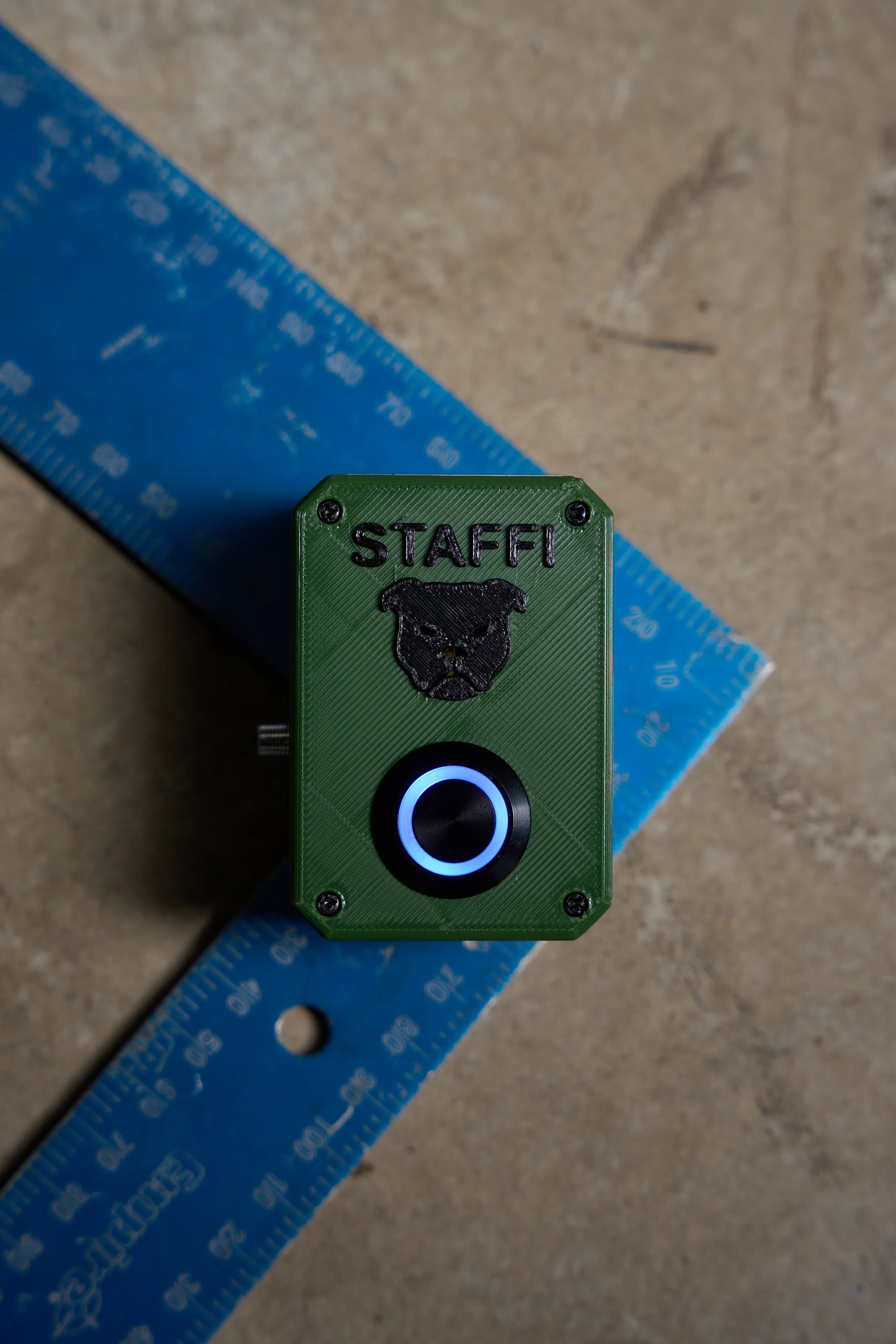

How To Set up Your Staffi Device
1. Download the App
Android users: Open Google Play Store → search “STAFFI” → tap Install and Purchase Monthly Subscription.
iPhone users: Open the Apple App Store → search “STAFFI” → tap Get and Purchase Monthly Subscription.
2. Power On the Device
Slide the power switch to the On position until the LED ring lights up.
The device is now ready to connect.
3. Enable Bluetooth on Your Phone
Open your phone’s Settings → ensure Bluetooth is On.
4. Connect the Device in the App
Open the STAFFI app.
Go to the Connect Device page.
Select your STAFFI device from the list ‘Staffi_fallalarm’ and confirm pairing.
5. Set Up Your Profile
Enter your Username (this name will appear in alert messages sent to contacts).
6. Add Emergency Contacts
Navigate to the Emergency Contacts page.
Enter up to three contact names and phone numbers.
Tap Save Contacts to confirm.
7. Allow Required Permissions
For STAFFI to function properly, you must grant the following permissions:
Background App Use → ensures STAFFi keeps monitoring even when closed.
Location “Always” → allows GPS coordinates to be sent during alerts.
Bluetooth → maintains connection between your phone and device.
Battery Usage → allow unrestricted battery use so STAFFi is not paused by power saving.
(The app will prompt you automatically, but you can also check in your phone’s Settings → Apps → STAFFi → Permissions.)
8. You’re Ready to Go!
Once set up:
STAFFI will monitor for falls.
If a fall is detected, the device buzzer will sound for 10 seconds.
If not silenced, your emergency contacts are alerted by SMS with your GPS location.